


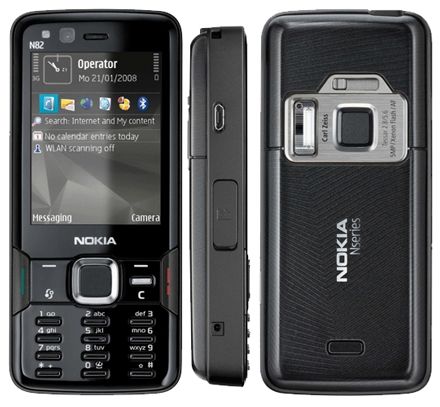
How to Remove Lock Code in any NOKIA phone.
1. Install NEMESIS SERVICE SUIT in your computer.
2. Unless you have installed nokia pc suit then download & install it.[It is useful in here]
3. After 1 & 2 connect the phone via usb cable & select the pc suit mode on phone. After detecting the phone run the nemesis service suit & press the serch botton on the right upper coner.
4. after searching goto tools tab & select factory settings: tick the user code & click the reset button. thats it. now reboot the phone, you'll get lock code as 12345. Enjoy....
Subscribe to:
Post Comments (Atom)
0 comments:
Post a Comment